
Somewhere in your office there is a drawer. It holds signed contracts, leave forms, photocopied IDs and a folder marked “to file.” Somewhere on a shared drive there is a spreadsheet named “Attendance FINAL v7.” And somewhere, a person on your HR team is looking for one document and losing twenty minutes to do it.
That works when you have twenty employees. At eighty, it starts to crack. At two hundred, it breaks. Digitizing HR operations means moving those drawers and spreadsheets into one connected system, so your team spends time on people instead of paper.
This guide gives you a practical seven step path to do it without disrupting the business.
What Does It Mean to Digitize HR Operations?
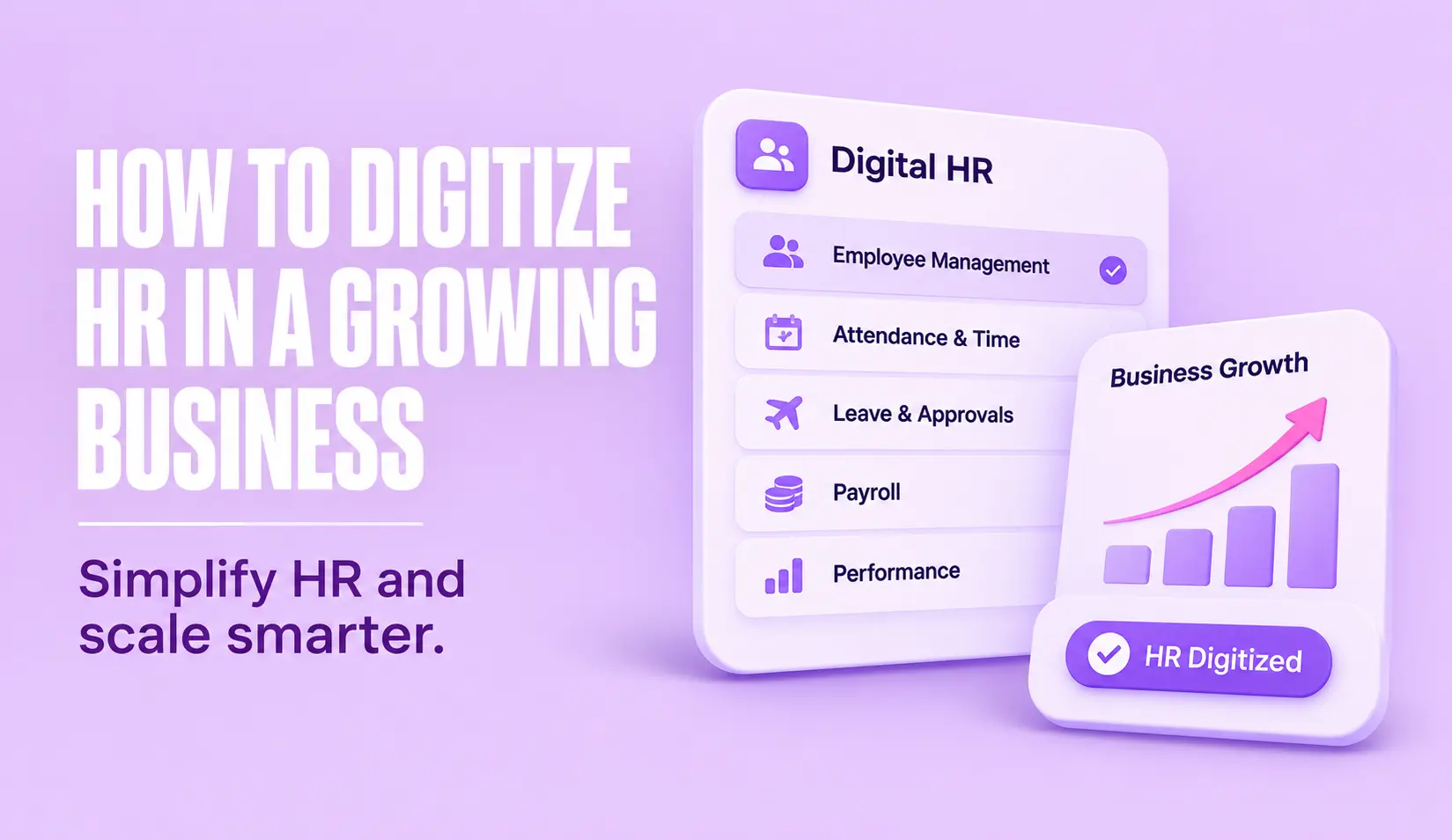
Digitizing HR operations means replacing paper forms, manual calculations and scattered files with digital tools that store, process and share people data. It covers tasks such as:
- Keeping employee records
- Recording attendance and managing leave
- Running payroll
- Hiring and onboarding
- Handling documents and approvals
- Tracking performance and learning
- Answering employee requests
It helps to separate two ideas. Digitization converts something to a digital format, such as scanning a contract. Digital transformation of HR goes further and redesigns the process so it runs better because it is digital, such as letting employees apply for leave on their phones and having approvals flow to payroll automatically. Aim for the second.
Signs It Is Time to Digitize
You probably need to move if you recognise these:
- HR spends days each month collecting attendance and leave data.
- Payroll errors appear regularly and take time to fix.
- Finding an employee document takes more than a few minutes.
- New joiners wait because forms move between desks.
- Managers ask HR for numbers that take hours to produce.
- Only one or two people know how a process works.
Our post on signs it is time to replace Excel with HR software covers these warning signs in more detail.
Seven Steps to Digitize HR
Step 1: Map what you do today
Write down each HR process as it really runs, not as the handbook says. For each, note who does it, how long it takes, which tools are used and where it goes wrong. This gives you a baseline and shows you the biggest pain points.
Step 2: Choose where to start
Do not digitize everything at once. Pick the process that costs the most time or causes the most mistakes. For many growing businesses, that is attendance and leave, followed by payroll, because both affect every employee every month.
Step 3: Clean your data
Before you move anything, tidy it. Remove duplicates, correct names and numbers, and decide which records are still needed. A new system filled with messy data only makes the mess easier to see. Our guide to improving employee data management walks through this.
Step 4: Pick the right system
Look for software that fits how you work now and where you will be in two or three years. Ask these questions:
- Does it cover your core needs, such as records, attendance, leave and payroll, in one platform?
- Does it fit local rules, taxes and working patterns?
- Can employees and managers use it from their phones?
- Does it connect with the tools you already use?
- Is it secure, and who can see which data?
- What support and training come with it?
A single platform is easier to manage than several tools stitched together. See how an all in one HR software approach compares, and read our overview of the human resource management system to understand the basics.
Step 5: Run a pilot
Test with one team or one location for a month. Watch what confuses people, fix the setup, and collect feedback. A pilot protects you from rolling out a problem to the whole company, and it creates early supporters who can help others.
Step 6: Train people and explain why
Resistance usually comes from not knowing what is in it for them. Tell employees what will be easier, such as applying for leave in seconds or downloading payslips themselves. Train managers on approvals and reports. Keep short guides and a named contact for questions.
Step 7: Roll out, measure and improve
After the pilot, expand in stages. Track a few simple measures:
- Time spent on monthly payroll preparation
- Number of payroll corrections
- Time to onboard a new employee
- Time to answer HR requests
- Employee and manager satisfaction
Review them after three months and again after six. Adjust the system and the process based on what you see.
What to Digitize First
If you are not sure where to start, this order works for many growing teams:
- Employee records. One profile per person, with documents attached.
- Attendance and leave. Mobile check in, shift rules and online requests. See our attendance management system.
- Payroll. Calculations built from attendance and leave data. See our payroll management system.
- Recruitment and onboarding. From job post to first day without retyping data. See our recruitment management system.
- Performance and growth. Goals, reviews and feedback in one place.
- Reports. Headcount, absence, overtime and turnover without manual work.
Mistakes to Avoid
- Digitizing a broken process. If approval steps are unclear on paper, they will be unclear on screen. Fix the process while you move it.
- Skipping data clean up. Bad data in means bad reports out.
- Doing everything at once. A phased rollout is easier to manage and easier to fix.
- Ignoring employees and managers. If they do not use the system, it will not help.
- Forgetting security and privacy. Employee data is sensitive. Set access by role and understand how your provider protects information. See the Resourceinn security overview.
- No owner. Someone needs to be responsible for the system, the rules and the ongoing improvements.
For a look at what can go wrong and how to prepare, read our guide to challenges of implementing an HRIS.
Final Thoughts
Digitizing HR is not about buying software for its own sake. It is about giving a growing business a way to handle more people without adding more paperwork. Map your processes, start with the one that hurts most, clean your data, choose a system that fits, pilot it, and bring your people along. Do that, and the drawer of paper and the spreadsheet named “FINAL v7” become things you remember rather than things you use.
Frequently Asked Questions
What does it mean to digitize HR operations?
It means replacing paper forms, manual calculations and scattered spreadsheets with digital tools that store and process people data, such as employee records, attendance, leave, payroll and recruitment, ideally in one connected system.
Which HR processes should a growing business digitize first?
Start with the processes that take the most time or cause the most errors. For many businesses, that is employee records, then attendance and leave, then payroll, because they affect every employee every month.
How long does it take to digitize HR?
It depends on company size, data quality and the number of processes involved. Many businesses start with a pilot in a few weeks and expand in phases. Planning and data clean up usually take as long as the technical setup.
How do you get employees to adopt new HR software?
Explain what is in it for them, such as faster leave requests and easy payslip access. Train managers, share simple guides, run a pilot first and make it clear who to contact for help.
Is it safe to store employee data in the cloud?
It can be, if the provider uses strong security practices and you set access by role. Ask vendors how they protect and back up data, and review their security information before you decide.