100k+
Active Users
Managed Globally
Managed Globally


Resourceinn is HR management software that runs hiring, attendance, payroll and performance from one place. Built as one human resource management system for HR teams, managers and employees, it organizes HR into 7 suites and 38 HRMS modules covering every stage, from onboarding and leave to expenses and exits.

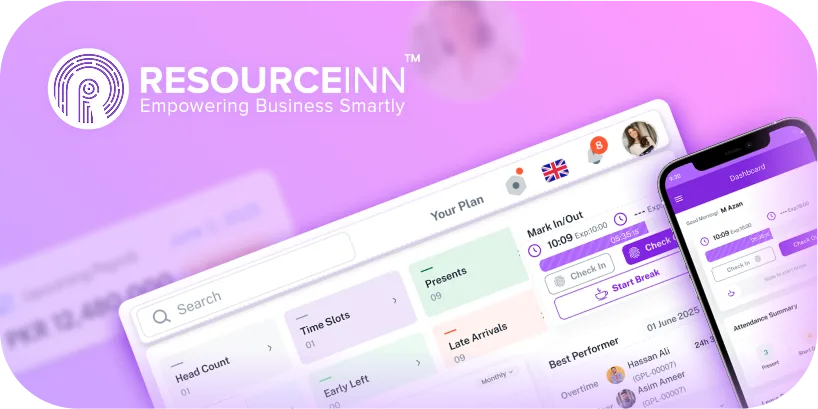



Keep every employee record, from first day to last, in one place.
Learn more →

Plan shifts, record attendance and handle leave for all your teams.
Learn more →

Give people one central login to Resourceinn through Keycloak with single sign-on so they sign in once.
See your workforce at a glance, build the reports you need and schedule or export them.
Decide who can see and do what, by role, by module and by individual data field.
Connect your ERP, accounting tools and biometric devices, or build your own on the API.
Give employees one place to raise HR, IT, finance and admin requests and follow each one.
Know who did what, with audit trails, login logs, failed-login alerts and data retention.
Put HR policies into practice, from one shared library to each employee’s acknowledgment.
Get live chat with ratings and response targets, a 24/7 helpline and agent-led support.
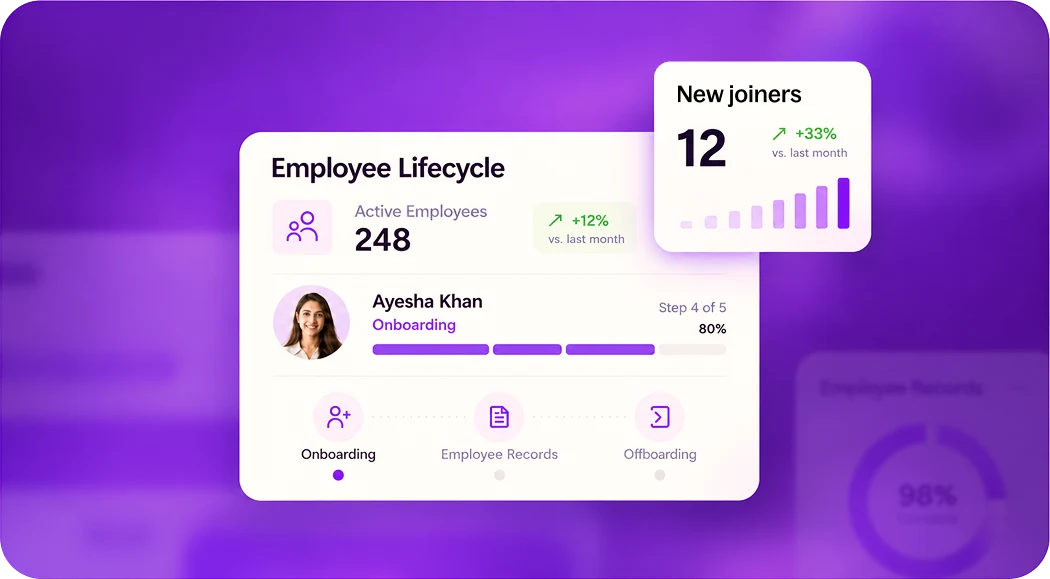
Keep each employee's profile, job history, documents and org chart position together.
Get new hires ready before day one with checklists, task assignments and policy sign-off.
Close out an exit properly with resignation, clearance checklists and asset recovery.
Issue offer, appointment, increment and relieving letters, each approved and on record.
Know which asset is with whom, from the asset register and handover forms to returns
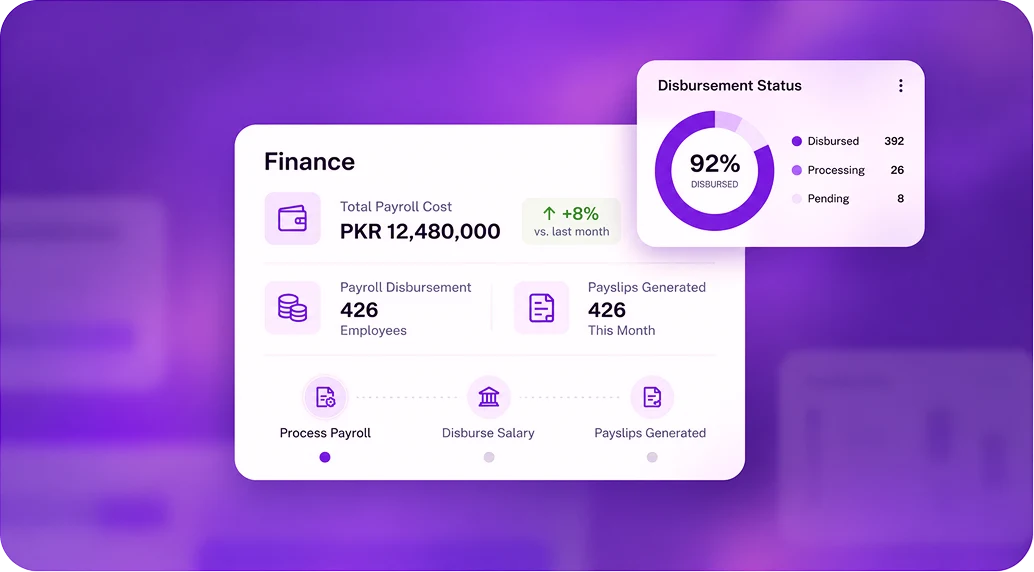
Run payroll on your own pay structures and tax setup, then issue payslips and bank files.
Set provident fund contribution rules, manage gratuity and track provisions in one place.
Employees request overtime and managers approve it, within the rates and limits you set.
Set eligibility and repayment rules for loans and salary advances backed by approval workflows.
Claim expenses with receipts and request travel, within the limits your policy sets.
Define benefit plans and allowances, fixed or variable, and set who qualifies by grade.
Manage OPD entitlements and claims, medical allowances and insurance cards for employees.

Build rosters with night and split shifts, approve swaps, and alert eligible staff to open shifts.
Record attendance via biometric, web or geo-fenced mobile, apply attendance policy, and see timesheet insights.
Define leave types, accruals and carry-forward, route delegated approvals, and show team absences.
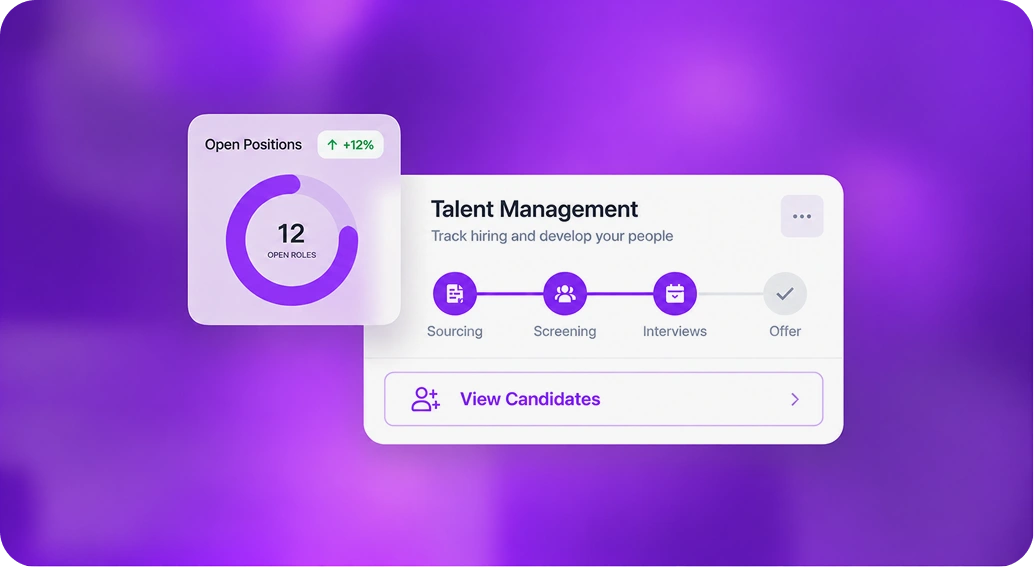
Take a hire from requisition to offer, with job posts, applicant tracking and interviews.
Set goals and OKRs, run review cycles, gather feedback and carry results into promotions.
Plan courses and learning paths, record skills and get alerts before certifications end.
Plan headcount by company, location, branch, department and position, forecast hiring and prepare successors.
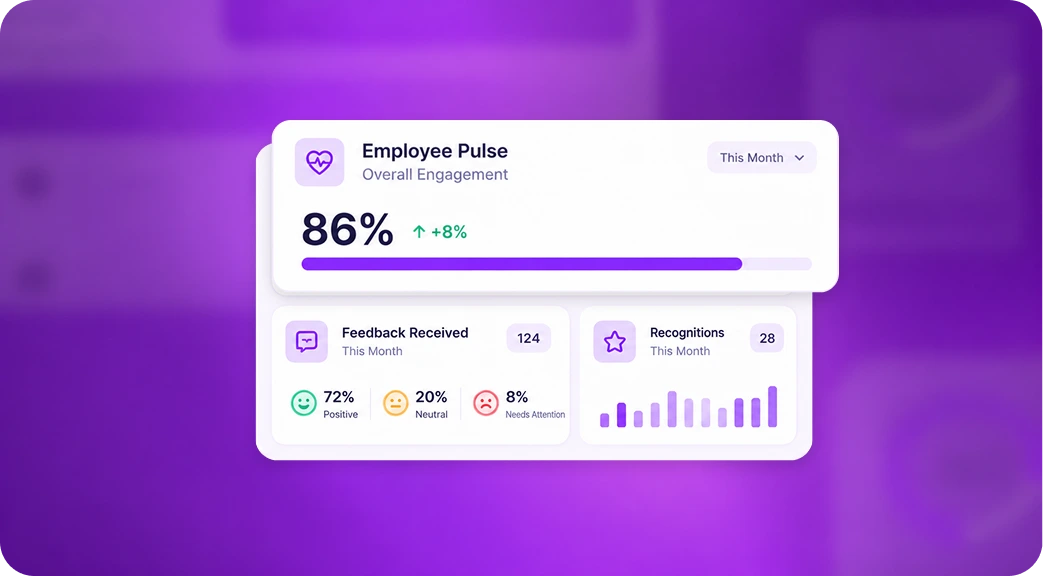
Read how your people feel through eNPS and mood tracking, with analytics on responses.
Employees update their profile, view payslips and raise leave and attendance requests.
Managers handle attendance, leave and approvals for their teams from the mobile app.
Put self-service, manager approvals, push alerts and shift swaps on iOS and Android.
Colleagues and managers recognize good work in a shared feed, with a leaderboard.
Pay workers for what they produce, with supervisor approval before payroll is processed.
Explore workforce data in Superset BI dashboards built for each role, with drill-downs.
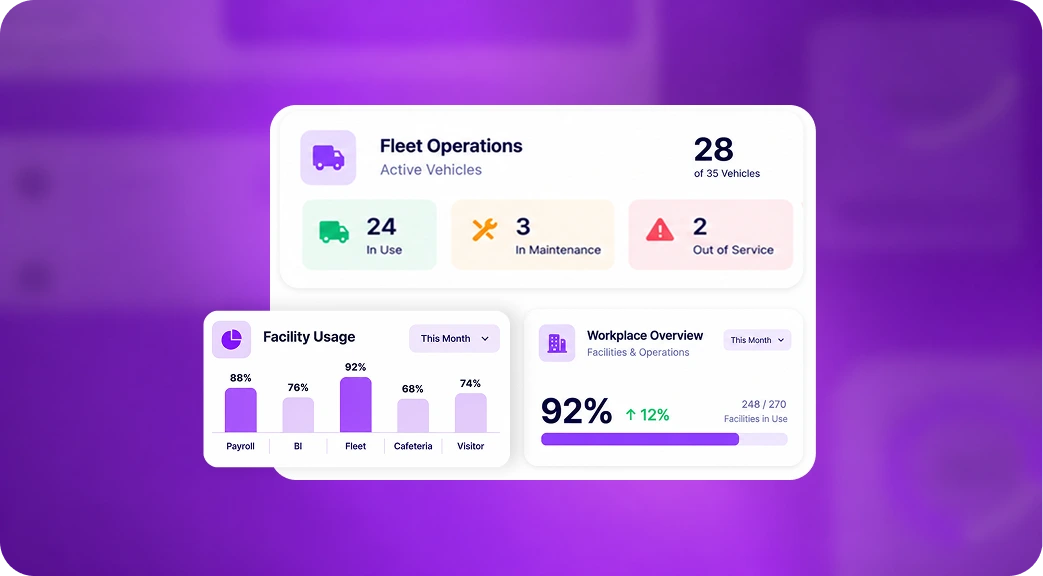
Track company vehicles, who they are assigned to, and their trips and maintenance
Plan the meal menu, record what employees order and keep track of cafeteria usage.
Record who is visiting, who they are meeting and when they arrive and leave, in one log.
Turn a tablet at a gate, factory floor or store entrance into an attendance point.
Tell us how your team works and we will point you to the right modules, or see our HR software for the full picture.
HR management software keeps every employee record in one place and runs the work built on it: hiring, onboarding, attendance, leave, payroll, performance and exits. HR updates a record once, and every process that uses it stays in step, instead of re-typing the same data across spreadsheets and separate tools.
An HR software suite runs every HR process on one shared employee database, while separate tools each keep their own copy of the data. With separate tools, a change of salary, manager or shift must be updated in several places and kept in sync by integrations. In a suite, it is entered once and every module uses it.
Resourceinn includes 38 HRMS modules in 7 suites: Platform, HRIS and Employee Lifecycle, Finance, Workforce Management, Talent Management, Employee Experience, and Workplace Solutions. They range from attendance, leave and payroll to recruitment, performance, training and employee self-service. Each suite page lists its modules and what each one does.
An HRIS centers on employee records. An HRMS adds the processes that run on them, such as attendance, leave and payroll. An HCM extends into talent: hiring, performance, learning and workforce planning. Most human resource management systems now cover all three, so compare modules and shared data rather than acronyms.
You can start with one module. Many teams begin with attendance or payroll, where manual work is heaviest, and add modules as they grow. Every module reads the same employee record, so a module added later uses data you already have, with no records to rebuild and no new integration to set up.
Typical signs are payroll errors from re-typed data, leave balances nobody trusts, onboarding tracked in email, and reports that take days. {{In Capterra's buyer data, 44% of buyers still used general tools such as accounting software and 18% used spreadsheets or paper.}} When fixing data takes more time than using it, a dedicated system is due.
Most platforms charge per employee per month, and the total depends on the modules you use. {{Capterra's buyer research puts average budgets at about $17 per employee per month, from $11 to $39 across its top industries.}} Ask every vendor about setup, training and support costs too. Our pricing page shows current Resourceinn plans.
Yes. Resourceinn connects with other business systems so employee and payroll data is not re-entered by hand. The integrations page lists the current connectors. If a tool you depend on is not listed, our team can confirm during a demo whether it can be connected and exactly how the data will flow between the two systems.
Yes. The Resourceinn mobile app runs on iOS and Android. Employees can handle attendance, leave and payslip tasks themselves, and managers can approve requests from the same app. {Mobile self-service cuts routine questions to HR and gives field and shift staff the same access as people who work at a desk.
More than 1,100 companies across 30+ industries use Resourceinn, from small teams to large multi-location employers. There are dedicated solutions for IT, retail, restaurants, pharmaceuticals and gaming, each with its own attendance, payroll and compliance needs. Read customer stories on our success stories page, or book a demo to see a setup like yours.


