
An auditor asks one simple question. Who changed this employee’s bank details, and when? If the answer lives in someone’s memory or in a spreadsheet tab nobody has opened since spring, you have a gap. A working HR audit trail closes it in seconds, because every change is already recorded with a name and a date.
Most HR teams do not lack good intentions. They lack a record that builds itself. This guide explains what an HR audit trail is, which records need one, and how automated compliance captures the history as work happens. It also gives you five steps toward HR audit readiness, so a surprise request from an auditor stops being a scramble.
What Is an HR Audit Trail?
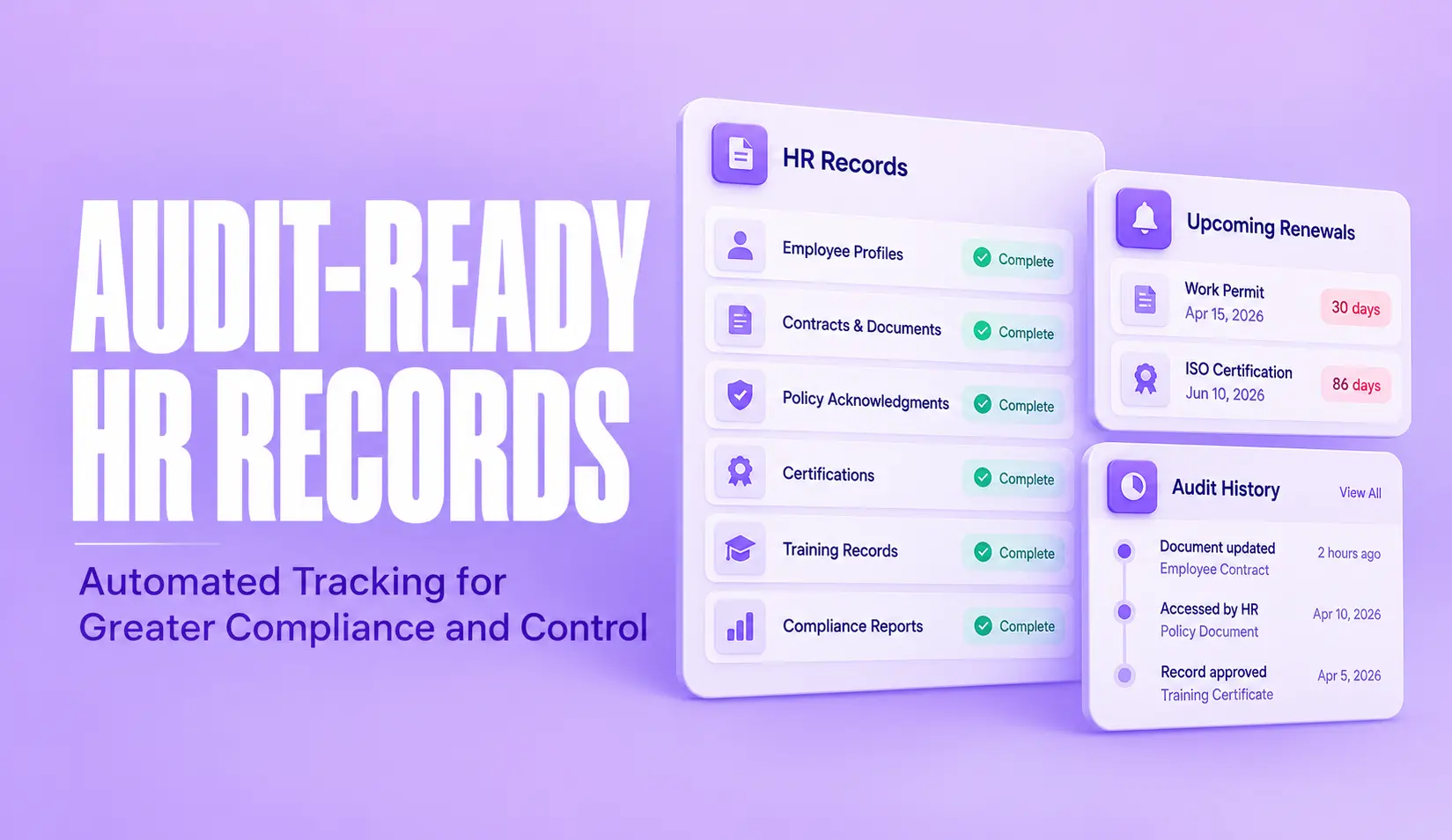
An HR audit trail is a time-stamped history of who created, viewed, changed or approved an HR record, and when they did it. Think of it as the receipt behind every number in your people data. A salary figure, a leave balance or a signed contract is only convincing when you can show how it got there.
A good audit trail answers four questions about any record. Who touched it. What they changed. When they changed it. Who approved the change. If a system cannot answer all four, it holds data but not evidence.
In an HR platform, this history usually lives in an HRMS audit log. The system writes the log itself, not the people using it. That difference matters. An HR audit trail built from emails and spreadsheet notes depends on people remembering to write things down. One built from a system log does not.
Which HR Records Need an Audit Trail
Not every file needs the same level of history. Start with the records that carry legal or financial weight, because an HR records audit looks at those first.
- Employee master data. Names, bank details, job titles, reporting lines and pay grades.
- Attendance and leave adjustments. Manual corrections, backdated entries and balance changes.
- Payroll inputs. Allowances, deductions, overtime figures and any edit made before a pay run closes.
- Contracts and letters. Who issued each document, when, and whether the employee signed it.
- Policy sign-offs. Records showing which employees accepted which version of your HR policies, and on what date.
- Access rights. Changes to user permissions, including who granted admin access and when.
Retention is the other half of the question. How long you must keep each record type depends on your country and the type of record. Read the record keeping rules from your own labour regulator before you set a schedule. In the United States, for example, the Department of Labor’s recordkeeping fact sheet under the FLSA sets out what employers must keep for payroll and time records.
Why Manual Tracking Breaks Before an Audit
Spreadsheets fail in a predictable way. The file works until two people edit it, or someone saves a copy to their desktop, or a manager approves a change in a chat message. Each of these leaves the record looking fine while the evidence behind it disappears.
An HR records audit does not only test whether a number is right. It tests whether you can show that a defined process was followed each time. SHRM’s guidance on internal wage and hour audits says the audit team should keep organized records of its process and final decisions, because careful documentation can matter later if an employer needs to show good faith.
That is hard to do by hand. Chasing signatures, rebuilding who approved what and matching emails to payroll runs takes days. Meanwhile the people you need to ask may have moved teams or left. A manual trail also has a quieter weakness. It only records what someone chose to record, so the awkward corrections are the ones most likely to go missing.
How an HRMS Audit Log Builds the Trail Automatically
The fix is to stop asking people to document their work and let the system do it. A good log records each action at the moment it happens, so the HR audit trail grows as a side effect of normal work. Three things make that trail trustworthy.
Every action is captured as it happens
When someone edits a record, approves a request or exports a report, the system writes an entry with the user, the action and the time. It also keeps the value before and after the change. Nobody has to fill in a form, so nothing depends on memory or goodwill.
Here is what a few entries can look like. The values are made up to show the shape of a log.
| Time stamp | User | Action | Before | After |
| 2026-03-14 10:42 | HR Admin 02 | Edited job title | Analyst | Senior Analyst |
| 2026-03-14 11:05 | Manager 07 | Approved attendance correction | Absent | Present |
| 2026-03-15 09:18 | Super Admin 01 | Changed role permission | Payroll Admin off | Payroll Admin on |
This is an illustrative example only. Field names and layout vary from one system to another.
The HR audit trail stays read-only and time-stamped
An entry that can be edited is not evidence. A reliable log is read-only for everyone, including HR admins, and each line carries a time stamp the user cannot change. Access to the log itself should be limited to the people who need to see it.
Reports come out on demand
A log nobody can read is not much use on audit day. Look for filters by employee, record type, user and date range, plus export options. Strong HR analytics and reporting should let you pull the full history of one employee file in minutes. It should also show patterns across many files, such as how often attendance was corrected after a month closed.
How to Prepare for an HR Audit in Five Steps
If you want to know how to prepare for an HR audit, start with the trail you already have and work from the gaps. These five steps build HR audit readiness whether your records sit in a spreadsheet or a full HRMS.
- Name an owner for each record type. Payroll inputs, leave, contracts and permissions each need one person who answers for them.
- Check that every change is logged. Pick ten recent changes at random and trace each one to a user and a date. Any change you cannot trace is a gap.
- Fill the missing documents. Collect unsigned contracts, missing acknowledgments and expired records now, while the people involved are still easy to reach.
- Run a mock review. Pull a few employee files and ask someone outside HR to find the evidence for a recent pay change. If they struggle, an auditor will too.
- Make the trail routine. Real HR audit readiness means the HR audit trail is built every day, not assembled in the week before an audit.
The goal is simple. When an auditor asks who changed a record and when, you open the log and read the answer. That is what HR audit readiness looks like in practice. Teams that reach this point stop treating audits as an event to survive, because the HR audit trail was never something they had to build at the last minute.
Frequently Asked Questions
What is an HR audit trail?
An HR audit trail is a time-stamped record of who created, viewed, changed or approved an HR record, and when they did it. It lets an auditor trace any figure or decision back to the person and the action behind it.
Which HR records should be audited?
Start with records that carry legal or financial weight. These include employee master data, attendance and leave adjustments, payroll inputs, signed contracts and policy acknowledgments, and changes to user permissions.
How do you prepare for an HR audit?
Confirm who owns each record type, check that every change is logged with a user and a date, fill any missing documents, and run a sample report before the auditor asks. A mock review of a few employee files is the fastest way to find gaps.
What is an HRMS audit log?
An HRMS audit log is the system-generated history of actions taken inside the HR platform, such as edits, approvals, exports and permission changes. Because the system writes it automatically, it does not depend on anyone remembering to document a change.
How long should HR keep audit records?
Retention periods depend on the country and the type of record, so check the labour and tax rules that apply to your business or ask your legal adviser. Set the retention rule once in your system so older records are kept or removed on schedule.
Can anyone edit the audit trail?
No one should be able to. A reliable audit trail is read-only for everyone, including HR admins, and only people with the right permissions can view it.