
An employee says they clocked in at nine. The register says 9:40. The manager remembers it differently, and payroll has to pick a number. Time and attendance is the process that settles questions like this with a record instead of a memory. This guide explains what it is, how it works, the types of systems you can use and how to choose one.
What Is Time and Attendance?
Time and attendance is the process of recording when employees start and finish work, then turning those records into payable hours. It has two parts.
- Time is the hours worked: regular hours, overtime hours and breaks.
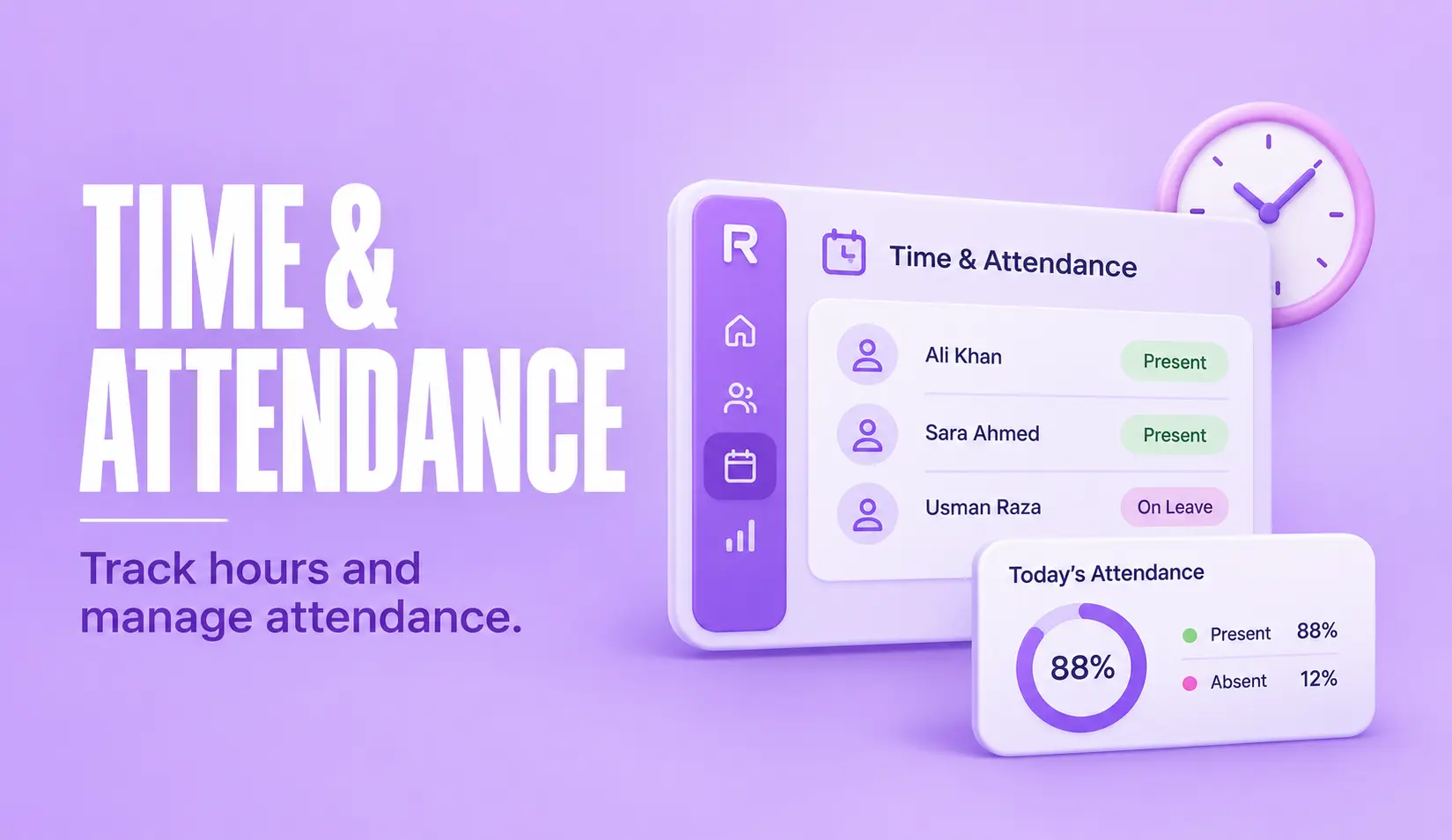
- Attendance is whether the employee followed the schedule: on time, late, absent or on leave.
A time and attendance system is the tool you use to do this. It can be a paper register, a spreadsheet, a biometric device or an app. A digital system saves each entry with a timestamp, and often a location, then compares it with the employee’s shift.
Time and attendance management is the wider job around it: setting the rules, reviewing exceptions and passing clean hours to payroll. Resourceinn’s online attendance management system is one example of a tool built for this job.
How Time and Attendance Works
Most systems follow the same four steps.
- Capture. The employee clocks in and out using a mobile app, a biometric device, a face scan or a shared kiosk. Each entry is saved with a timestamp.
- Apply rules. The system compares the entry with the assigned shift. It marks late arrivals, early exits and missing punches, and applies grace period and break rules.
- Review. Managers and HR check exceptions, approve corrections and add leave before the period closes.
- Send to payroll. Approved hours go to payroll through a built-in connection or an export file, so nobody types hours in by hand.
The point of this flow is consistency. Every entry is checked against the same rules, so two managers no longer settle the same lateness case in two different ways.
Records matter for compliance too. In the United States, the Department of Labor explains that employers must keep records of hours worked each workday and each workweek for covered employees. Rules differ by country, and the International Labour Organization publishes a review of working time laws around the world, so check the rules where your staff work.
Types of Time and Attendance Systems
There are four common types.
- Manual systems. Paper registers and spreadsheets. They cost little to start, but they are slow to total and easy to get wrong.
- Hardware systems. Punch cards, fingerprint readers and face recognition attendance devices. They suit fixed sites and make it harder for one person to clock in for another.
- Time and attendance software. Cloud tools that employees use through a web portal or a mobile attendance app. They suit branches, field staff and hybrid teams.
- Integrated HR systems. Attendance sits in the same platform as leave and payroll, so hours move across without re-entry.
Many companies mix them. A factory may use biometric readers at the gate and an app for supervisors on the move.
Why Time and Attendance Matters
Good records change daily work for HR, managers and payroll.
- Accurate pay. Employees are paid for the hours recorded, so errors turn into payroll corrections.
- Fewer disputes. A timestamped record settles late marks and missing punches.
- Daily visibility. Managers see who is absent today, not at month end.
- Compliance evidence. You can show hours worked if a regulator or employee asks.
- Less admin. HR stops chasing registers and retyping numbers.
Rules an Attendance System Handles
A system is only as good as the rules behind it. Write these down first.
- Shifts. Fixed, rotating, night and split shifts. If you run rosters, see how to build an employee roster that attendance can be checked against.
- Lateness and grace periods. How many minutes late is still on time, and what happens after that.
- Overtime. It should be calculated from approved hours and your policy. Our guide to overtime tracking software covers this in detail.
- Leave. Approved leave management records should mark an employee as on leave, not absent.
- Corrections. Who can fix a missing punch, and who approves it.
Time and Attendance Tracking vs Basic Time Tracking
The two get mixed up, but they answer different questions.
Basic time tracking records how long work took, often against a project or a client. Time and attendance tracking asks whether the person showed up on time and how many hours should be paid. It compares each entry with a shift, applies attendance rules and prepares data for payroll.
If you bill clients by the hour, you may want both. If your main concern is accurate pay and clean attendance records, start with an attendance system.
How to Choose an Attendance System
Work through this short list before you speak to any vendor.
- Size and locations. A tool that suits 30 people in one office may struggle across 20 branches.
- Devices. Test clock-in on the devices your people use every day.
- Your rules. Ask the vendor to set up a sample of your shifts and overtime policy live.
- Payroll link. Find out how hours reach payroll and what happens when you correct an entry after approval.
- Setup and cost. Ask how long rollout takes, who imports your employee data and what the total cost per employee is.
Run a short pilot with real data from one team. A tool that handles your messiest week will handle the rest.
Frequently Asked Questions
What is time and attendance?
Time and attendance is the process of recording when employees start and finish work and turning those records into payable hours. It covers clock-in and clock-out, attendance rules such as lateness and breaks, leave and overtime.
How does time and attendance software work?
Employees clock in and out through an app, a biometric device or a web portal. The software compares each entry with the assigned shift, applies lateness, leave and overtime rules, and sends approved hours to payroll.
What are the benefits of time and attendance?
Accurate pay, fewer disputes over hours, daily visibility of who is present, records that support compliance, and less manual work for HR and payroll.
What are the different types of time and attendance systems?
The common types are manual systems such as paper registers and spreadsheets, hardware systems such as punch cards and biometric readers, cloud software with web and mobile clock-in, and integrated HR systems that connect attendance with leave and payroll.
How much does time and attendance software cost?
Most cloud tools charge per employee per month. The price depends on headcount, the features you need and the support included, so ask vendors for the total cost including setup.
How do you choose the right time and attendance system?
Start with your size, locations and devices. Then test whether the system can apply your own shift, lateness and overtime rules, how hours reach payroll, and how long setup takes. Pilot it with real data from one team before you commit.