














































Q1. What is HRIS software?
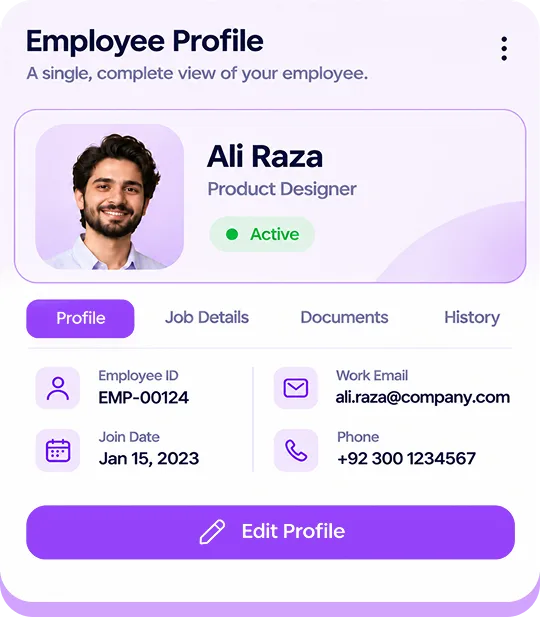
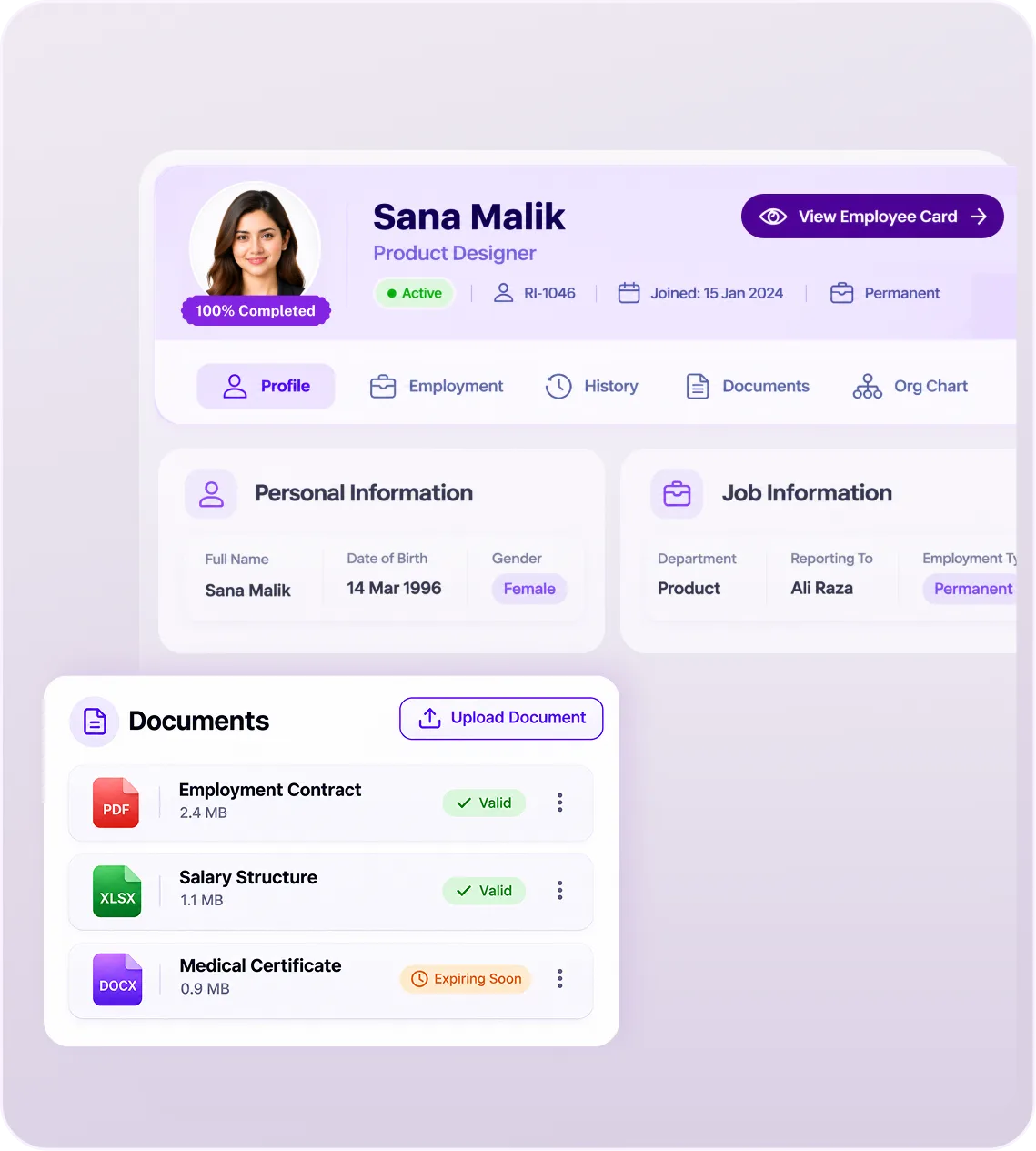
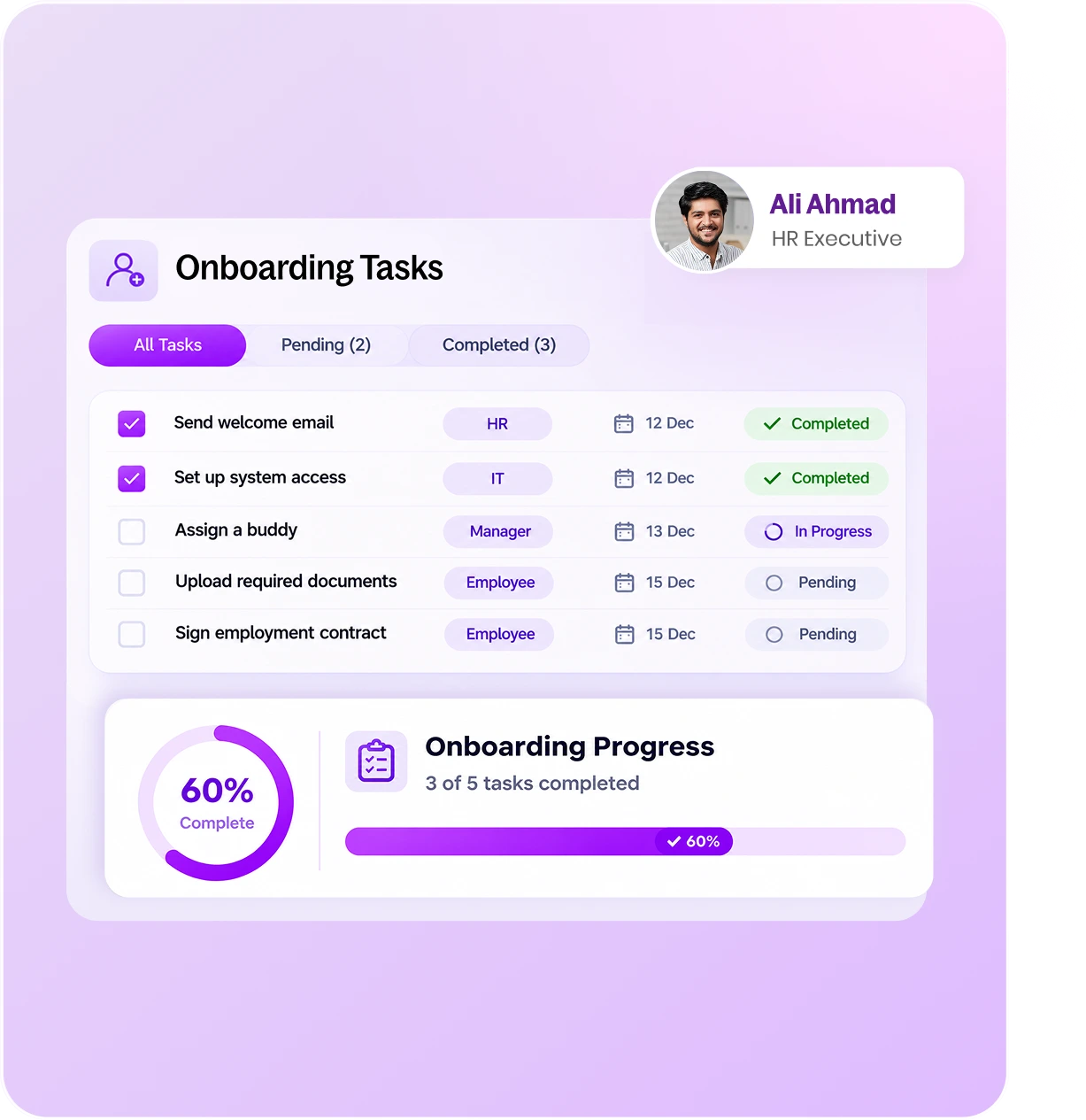
HRIS software, short for human resource information system software, keeps every employee’s record in one place and runs the HR work that depends on it: personal and job details, documents, onboarding, HR letters, company assets and exits. In Resourceinn, the HRIS & Employee Lifecycle suite keeps the complete profile on the record from the first day to the last, so every other module reads the same data.
Q2. What are the main types of HRIS?
Most guides name four. An operational HRIS handles day-to-day records and compliance data. A tactical HRIS supports decisions on hiring, training and performance. A strategic HRIS feeds workforce planning and analytics, and a comprehensive HRIS combines all three. Resourceinn's HRIS software is the operational base, and the other suites add the tactical and strategic layers.
Q3. What does the Resourceinn HRIS & Employee Lifecycle suite include?
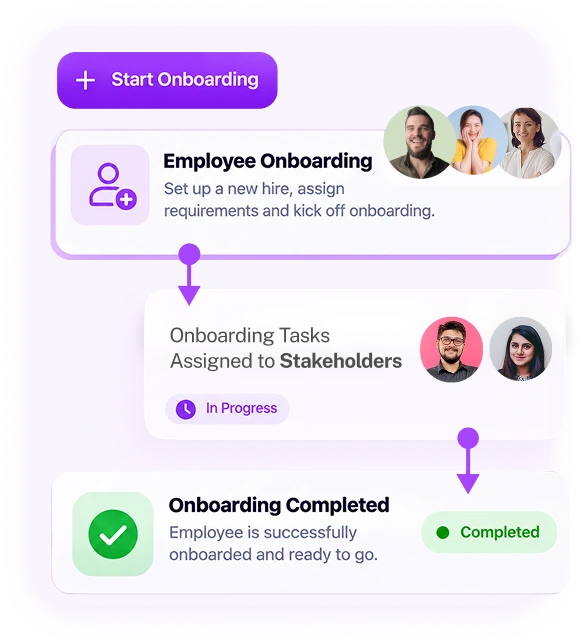
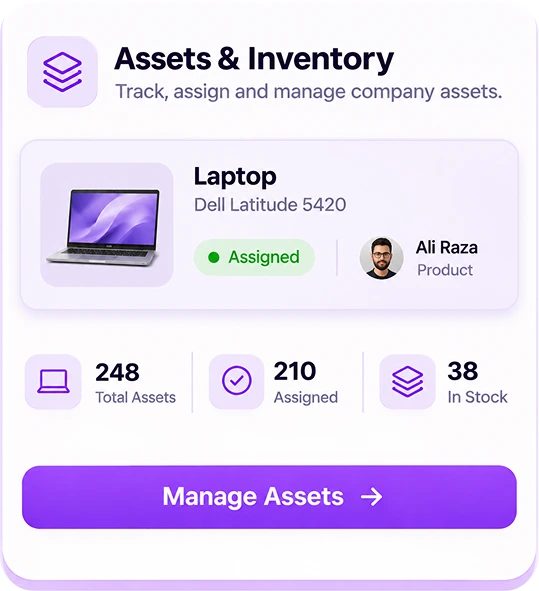
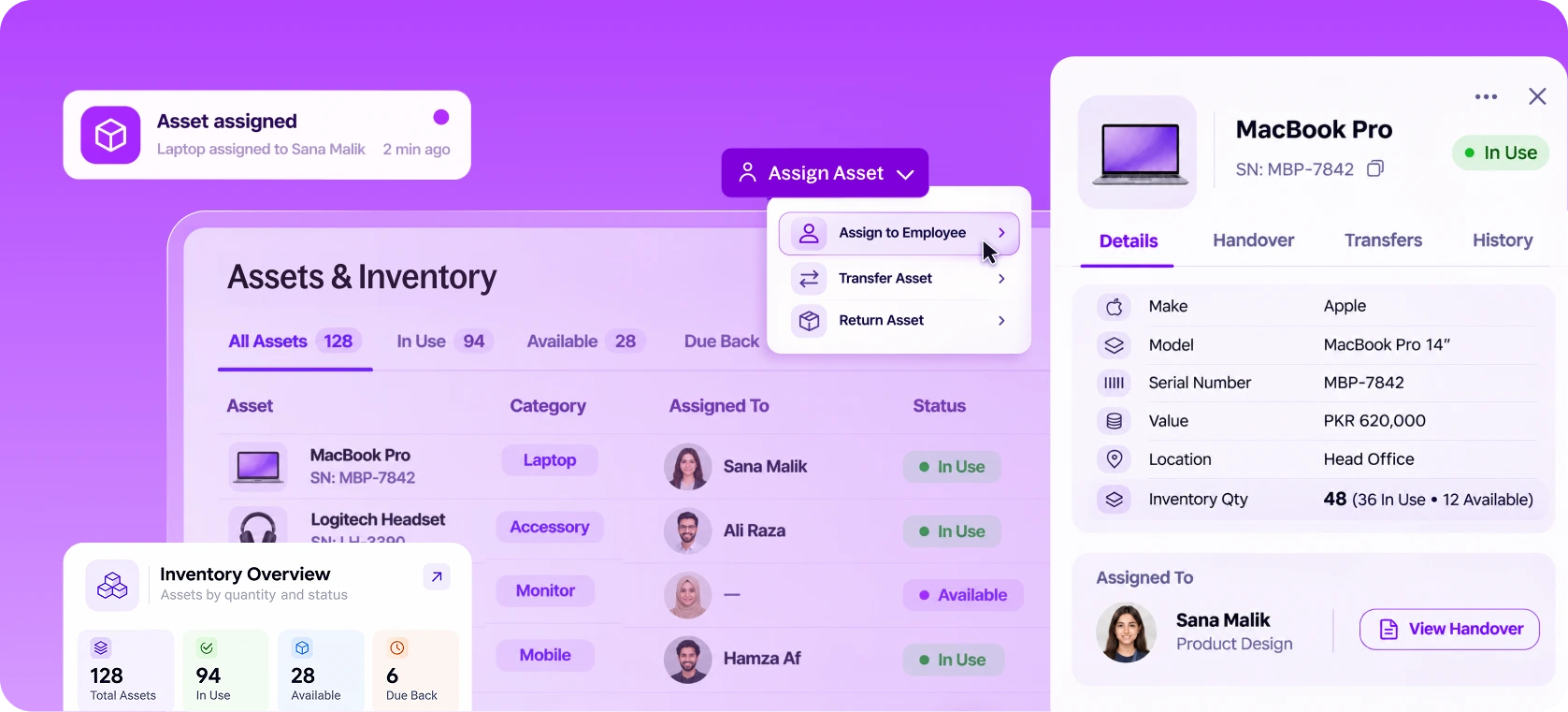
The suite has five modules: Employee Management, Onboarding, Separation & Offboarding, HR Letters, and Assets & Inventory. Together they handle employee lifecycle management from the day an offer is accepted to the day someone leaves, covering the record itself, the paperwork around it and the company assets assigned along the way.
Q4. What are the key features of HRIS software?
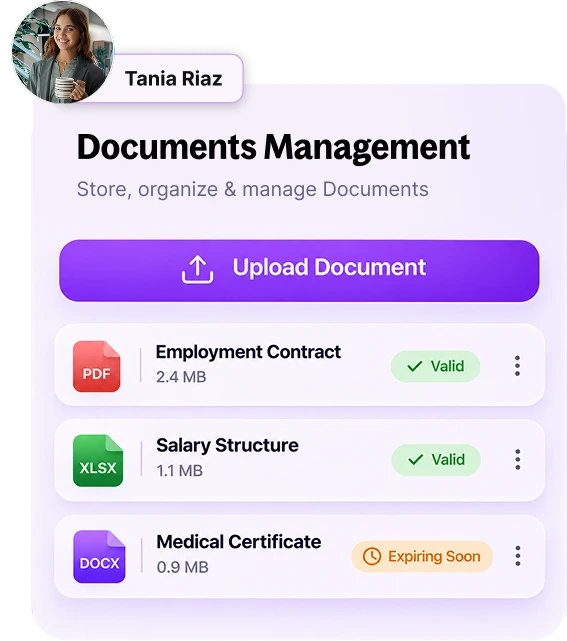
Look for a central employee database, document storage, onboarding checklists, letter templates, asset tracking, offboarding workflows, role-based access and reporting. Employee self-service matters too, because staff who update their own details save HR hours of admin. Resourceinn's HRIS software covers each of these, with self-service delivered through the Employee Experience suite.
Q5. What employee data should an HRIS system hold?
At minimum: personal and contact details, job title, department, manager, employment dates, contract type, salary history, emergency contacts and signed documents. Add the assets issued, letters sent and separation records, and the HRIS system becomes one history of each employee that audits can rely on.
Q6. What are the benefits of HRIS software?
The main gains are fewer data errors, less admin and faster answers. Records are entered once and reused, so payroll and reports stop disagreeing. In an Eagle Hill Consulting survey published in September 2026, more than three-quarters of HR professionals said they often re-entered the same data. HRIS software removes that double entry and keeps an audit trail of every change.
Q7. What happens to employee data during offboarding?
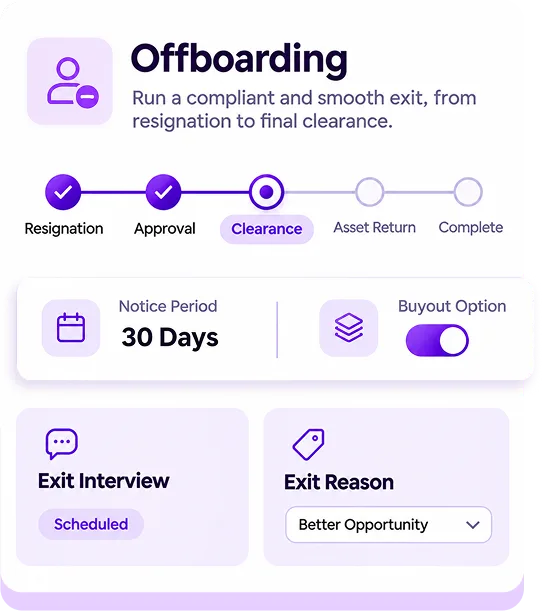
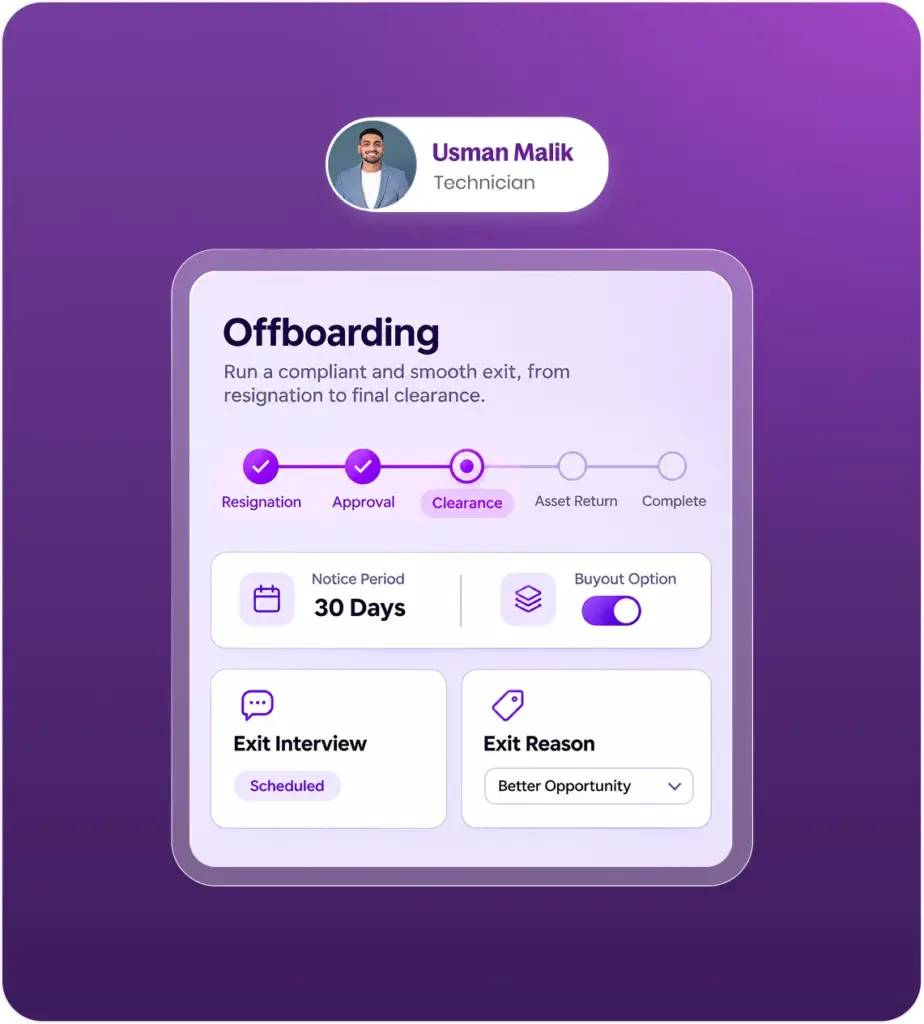
When someone resigns or is let go, the HRIS system records the separation date and reason, runs a clearance checklist across departments, recovers company assets and issues the experience and relieving letters. The record is then archived rather than deleted, so HR keeps a full history for audits, rehire checks and reference requests.
Q8. Can HRIS software generate HR letters automatically?
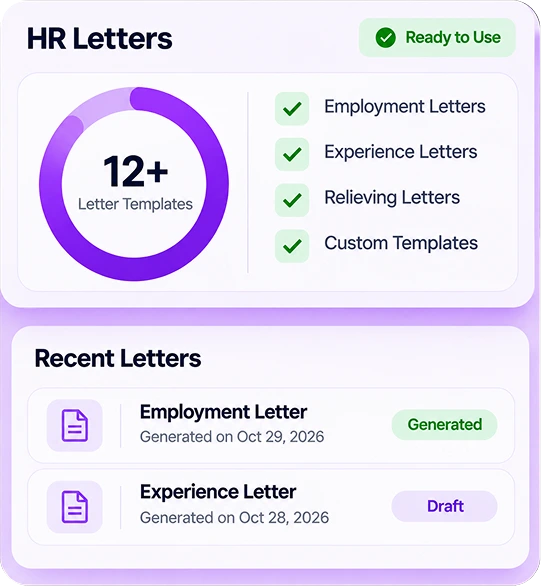
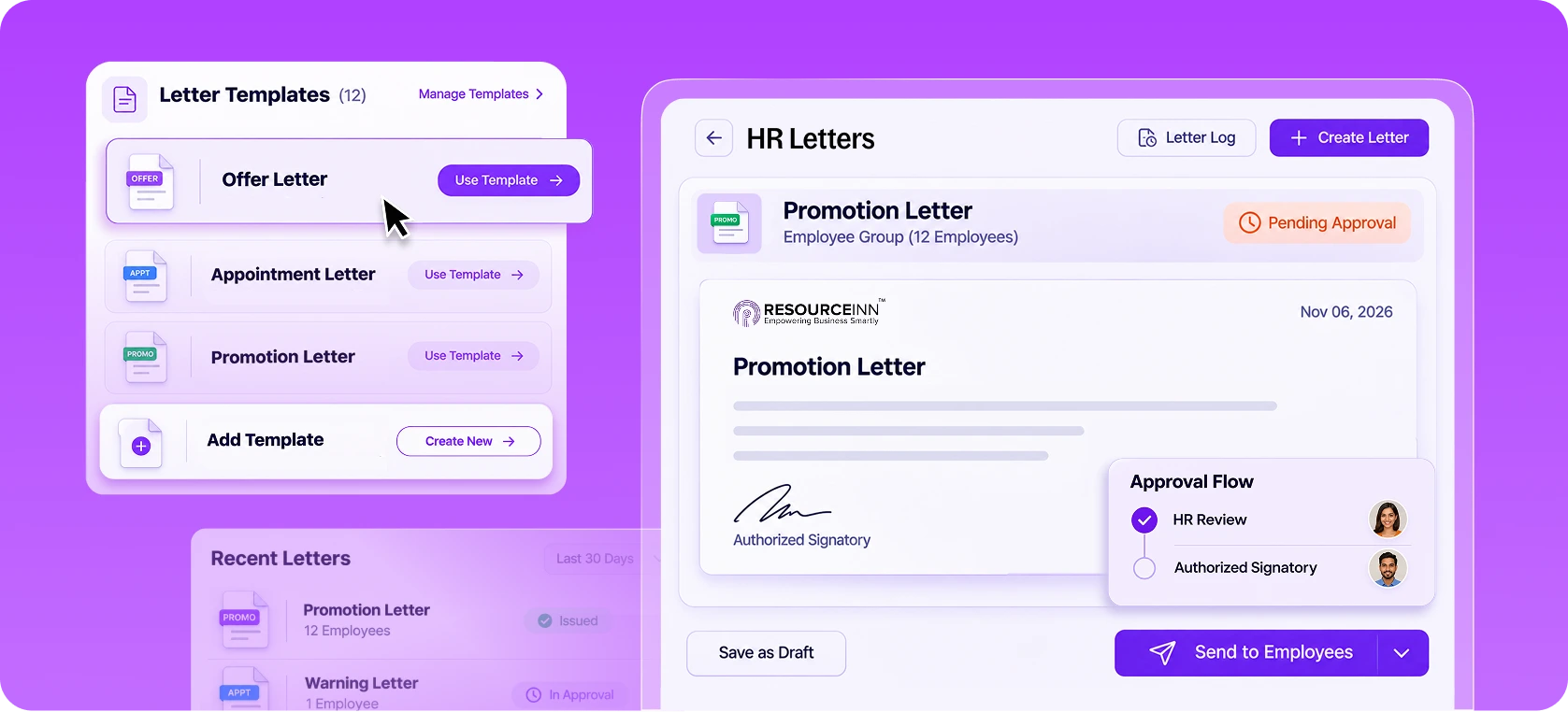
Yes. Offer, appointment, salary certificate, experience and relieving letters are built from templates that pull names, dates, designations and pay straight from the employee record. HR reviews and issues each letter in minutes instead of retyping it, and every issued letter is saved to the employee's file for later reference.
Q9. How do you choose HRIS software?
List the processes you need today and in two years, then check four things: whether every module shares one employee record, how access is controlled by role, how data moves to payroll and other systems, and how easily employees can update their own details. Ask each vendor for a demo using your own org chart and documents.
Q10. Who in a company uses HRIS software?
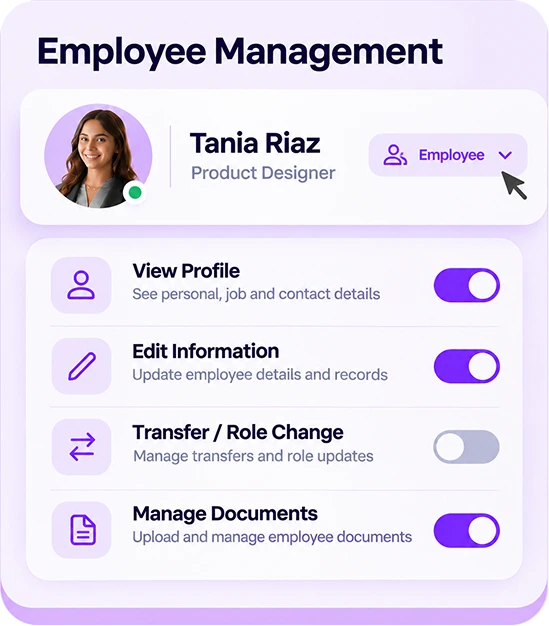
HR uses it most, to keep records, run onboarding and offboarding and issue letters. Line managers view their team's details and approve changes, finance reads pay data for payroll, IT sees which assets each person holds, and employees check their own details. Role-based access in Resourceinn's HRIS software decides what each group can see.